
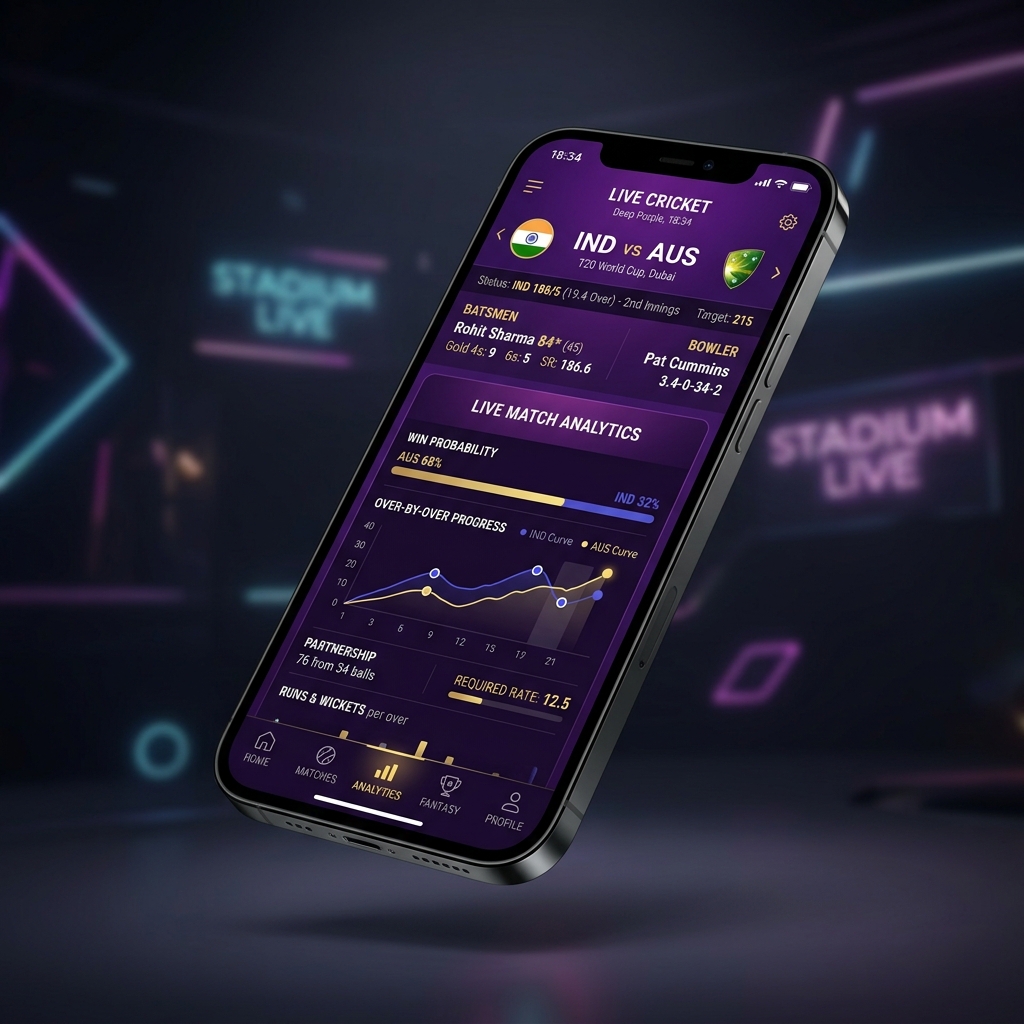
Seamless Mobile Performance with Gold365
In today's fast-paced sports environment, instant mobile access is essential. The Gold365 Mobile Portal is engineered as a responsive Progressive Web App (PWA) that loads instantaneously on all smartphone operating systems, including Android and iOS (Apple).
Instead of clogging your phone's memory with heavy APK installations that require constant updates, Gold365 delivers a smooth, browser-native experience that runs directly in Chrome, Safari, Firefox, or Brave.
How to Add Gold365 to Your Mobile Home Screen
You can turn the Gold365 portal into a native app icon on your smartphone in less than 30 seconds:
For Android Devices (Google Chrome / Edge):
- Open gold365us.com in Google Chrome on your Android phone.
- Tap the three vertical dots (menu icon) at the top-right corner of Chrome.
- Select "Add to Home screen" or "Install app".
- Confirm by tapping "Add". The official Gold365 icon will now appear on your home screen for quick 1-tap logins.
For iOS Devices (Apple Safari):
- Open gold365us.com in Safari on your iPhone or iPad.
- Tap the Share button (rectangle icon with an arrow pointing upward at the bottom bar).
- Scroll down and tap "Add to Home Screen".
- Tap "Add" in the upper right corner. You can now launch Gold365 directly from your iPhone app grid.
Mobile Advantage: The Gold365 web application consumes zero storage space, auto-updates automatically, and provides push notification readiness for live match score alerts.
Key Mobile Features
- Adaptive Touch Interface: Extra-large touch targets for effortless tap navigation.
- Low Data Mode: Optimized SVG graphics and compressed stylesheets save battery and mobile data.
- Instant Support Button: Tap the bottom-right WhatsApp button anytime to launch a direct support chat.